So I use ssh a lot. And this is one damn powerful little program. I decided to write up a log of some of my favorite ssh tricks.
Libertarians are just crazy for firefox (and other observations)
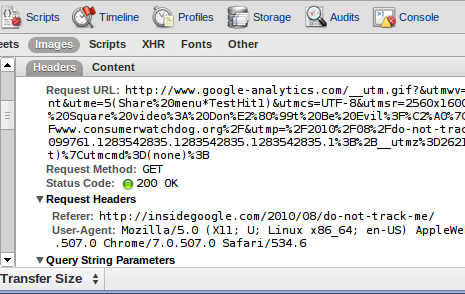
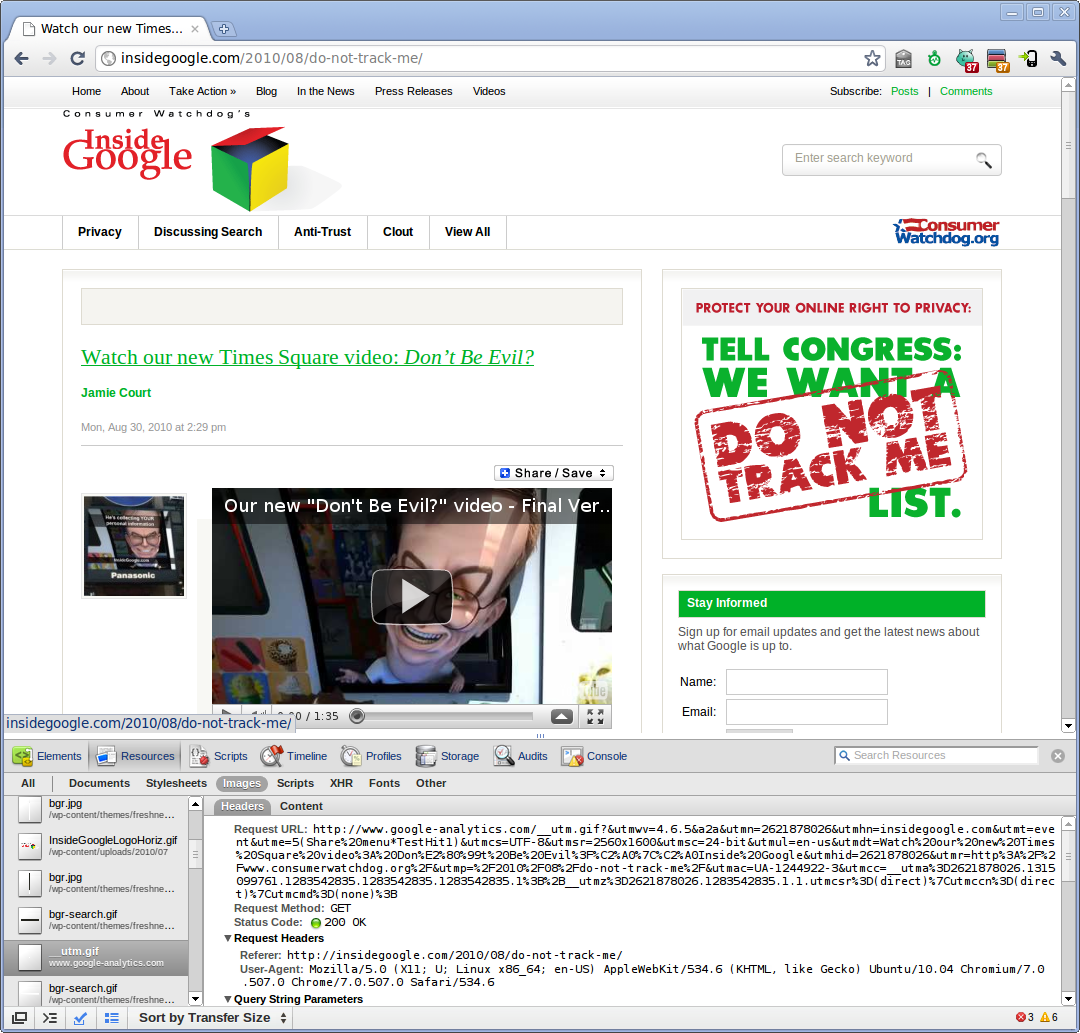
A few weeks ago, a video was passed around our office that was about Google interviewing people in Times Square about what a browser is. The results were fairly appalling. For the most part, people responded with various portal and search web sites instead of something like “IE” or “Firefox”. This coincided with a conversation I was having with someone in which I posited the hypothesis that IE as a browser would bias to the political right, and other browsers (specifically firefox) would bias to the political left. My reasoning was:
The Google interviews made me realize one other thing. In testing for this kind of effect, you would need to eliminate people who didn’t know what a browser was. Clearly, a person who doesn’t even know what a browser is is highly unlikely to proactively switch from their system’s default browser. Further, if a person’s political views are correlated at all with their likelihood of understanding what a browser is, not eliminating people who don’t understand could hide real results.
The company I work for, Knewton Inc, is becoming known in certain circles of its clever usage for the vastly underused (IMHO) Amazon Mechanical Turk service. When I mentioned my contention to our guy who’s been pioneering our MTurk usage, Dahn Tamir, he suggested that we build an MTurk task and get some real data to find out whether my hypothesis had any basis in reality. The rest of this post represents my findings.
My parents recently visited my aunt and uncle in china, and while there they picked up some rather nice high end watches direct from the factories. Most of the time, my father prefers his digital, and only wants to wear the watch he picked up in china when he’s in more formal dress. Thing is, the watch he bought is autowinding, so it’s always either dead, or at the very least really wrong every time he puts it on. So he asked me to come up with a crazy contraption to wind his watch. This is what I came up with:
You can see some more pics in my flickr photostream. The part I’m most proud of is turning the pipe into a bushing to create a pretty good bearing at the top.
Here’s some video of it in action: (and a second video here)
Materials:
Getting a little breather, so I’m sending out a ctf update. Hopefully I’ll get another one out before more then a month.
Biotech
Culture
Robotics
Science
Space
Tech
Whoops, forgot to release it on friday.
Biotech
Culture
Energy
Environment
Military
Robotics
Space
Tech
Now safely nestled in the wilds of New Jersey, the time has come to restart Cool Tech Friday. Enjoy!
Biology
Biotech
Culture
Energy
Robotics
Science
Space
Tech
Telephony
Biotech
Culture
Environment
Physics
Space
Tech
Biotech
Culture
Entertainment
Environment
Military
Physics
Space
Tech
As was reported here and here back in December, Google searches now provide a lot of nice information for a band. I was checking to see if ColdPlay had a new album in the pipeline, I searched for ColdPlay and got a really nice set of results listing their albums and links for purchase, lyrics, album art, etc. Wow – I love finding new features in Google like that.
Check it out.
So Firefox 1.5.0.1 killed your extensions
The recent firefox 1.5.0.1 release has caused a number of problems for various parties, including extension authors and users. Sadly, many extension authors did not set up their extensions to be able to deal with firefox security updates gracefully. There have been no changes to the extension api, but a surprisingly large number of extensions report that they are Disabled – not compatible with Firefox 1.5.0.1. Well, if the extension is compatible with 1.5, you are in luck, there is a way to fix this that is not too difficult that doesn’t involve the extension author having to release a new version.
(in firefox, go to Tools->Extensions)

First thing you need to do is shut down firefox. Next, open the file “extensions.rdf” from your profile directory (something similar to C:\Documents and Settings\your username\Application Data\Mozilla\Firefox\Profiles\default.ugt in windows, ~/.mozilla/firefox/eucals91.default in linux) in a text editor. (it would be a good idea to save off a backup of this file, just in case). Search for every instance of 1.5 in the file. Those cases where the line says NS1:maxVersion=”1.5″ need to be changed:
Editor’s Note: This needs to be a text editor like notepad or textpad or ultraedit. If you use word or wordpad, you will break your extensions.rdf. At least two people have done this, so please, *be careful*. Also, some text editors will append .txt to the rdf file name. ensure that when it’s done, you have the right windows file extension.
<RDF:Description RDF:about="rdf:#$0Q1PK2"
NS1:id="{3550f703-e582-4d05-9a08-453d09bdfdc6}"
NS1:minVersion="1.5"
NS1:maxVersion="1.5" />
You will want to alter them so that they say NS1:maxVersion=”1.5.0.*” as below:
<RDF:Description RDF:about="rdf:#$0Q1PK2"
NS1:id="{3550f703-e582-4d05-9a08-453d09bdfdc6}"
NS1:minVersion="1.5"
NS1:maxVersion="1.5.0.*" />
Now, restart firefox, and go to Tools->Extensions:

Right click on the disabled exension, and select Enable from the dropdown. Finally restart firefox. If everything went well, your extensions should be happy again.
Ed: A second solution has come to my attention in the form of the Nightly Tester Tools extension which will allow you to install incompatible extensions via it’s interface. With this installed, in the extensions panel, you can right click on an extension, and select “Make Compatible”. This method may be somewhat riskier, as it makes an extension potentially compatible across larger updates that may have API changes. The original method carries no risk of this, as it only covers security updates to firefox 1.5